update:有毒吧,kernel 中出问题原来不会报错。
请教了组里的 hust 学长 orz..
学到了 cuda-memcheck 命令和 cudaGetLastError 来查看问题,可以参考What is the canonical way to check for errors using the CUDA runtime API?
先放一波资料。
An Even Easier Introduction to CUDACUDA C/C++ Basicsnvidia-thrust 官方文档- how-access-global-memory-efficiently-cuda-c-kernels
- efficient-matrix-transpose-cuda-cc
- 很强大的warp内shuffle
- cuda-GDB官方文档
- cuda-c-best-practices-guide
cuda 提出的目的是能够让程序员透明地使用GPU来高效地进行并行运算。
kernel和c语言中的函数相似,函数名字前通常用 __global__ 来标识。
下面考虑两个大小为 1M 的数组相加的例子。
总的思路是通过并行来观察计算速度的提升。
如果不考虑并行,两个数组相加的代码如下:
 1#include <iostream>
 2#include <math.h>
 3
 4// function to add the elements of two arrays
 5void add(int n, float *x, float *y)
 6{
 7  for (int i = 0; i < n; i++)
 8      y[i] = x[i] + y[i];
 9}
10
11int main(void)
12{
13  int N = 1<<20; // 1M elements
14
15  float *x = new float[N];
16  float *y = new float[N];
17
18  // initialize x and y arrays on the host
19  for (int i = 0; i < N; i++) {
20    x[i] = 1.0f;
21    y[i] = 2.0f;
22  }
如果用cuda的方式来搞,代码如下:
 1#include <iostream>
 2#include <math.h>
 3// Kernel function to add the elements of two arrays
 4__global__
 5void add(int n, float *x, float *y)
 6{
 7  for (int i = 0; i < n; i++)
 8    y[i] = x[i] + y[i];
 9}
10
11int main(void)
12{
13  int N = 1<<20;
14  float *x, *y;
15
16  // Allocate Unified Memory – accessible from CPU or GPU
17  cudaMallocManaged(&x, N*sizeof(float));
18  cudaMallocManaged(&y, N*sizeof(float));
19
20  // initialize x and y arrays on the host
21  for (int i = 0; i < N; i++) {
22    x[i] = 1.0f;
23    y[i] = 2.0f;
24  }
25
26  // Run kernel on 1M elements on the GPU
27  add<<<1, 1>>>(N, x, y);
28
29  // Wait for GPU to finish before accessing on host
30  cudaDeviceSynchronize();
31
32  // Check for errors (all values should be 3.0f)
33  float maxError = 0.0f;
34  for (int i = 0; i < N; i++)
35    maxError = fmax(maxError, fabs(y[i]-3.0f));
36  std::cout << "Max error: " << maxError << std::endl;
37
38  // Free memory
39  cudaFree(x);
40  cudaFree(y);
41
42  return 0;
43}
除了代码注释,还有几个地方要说明:
- 函数名字前面的
__global__是 cuda kernel 标识符 - cuda kernel 的调用方式是
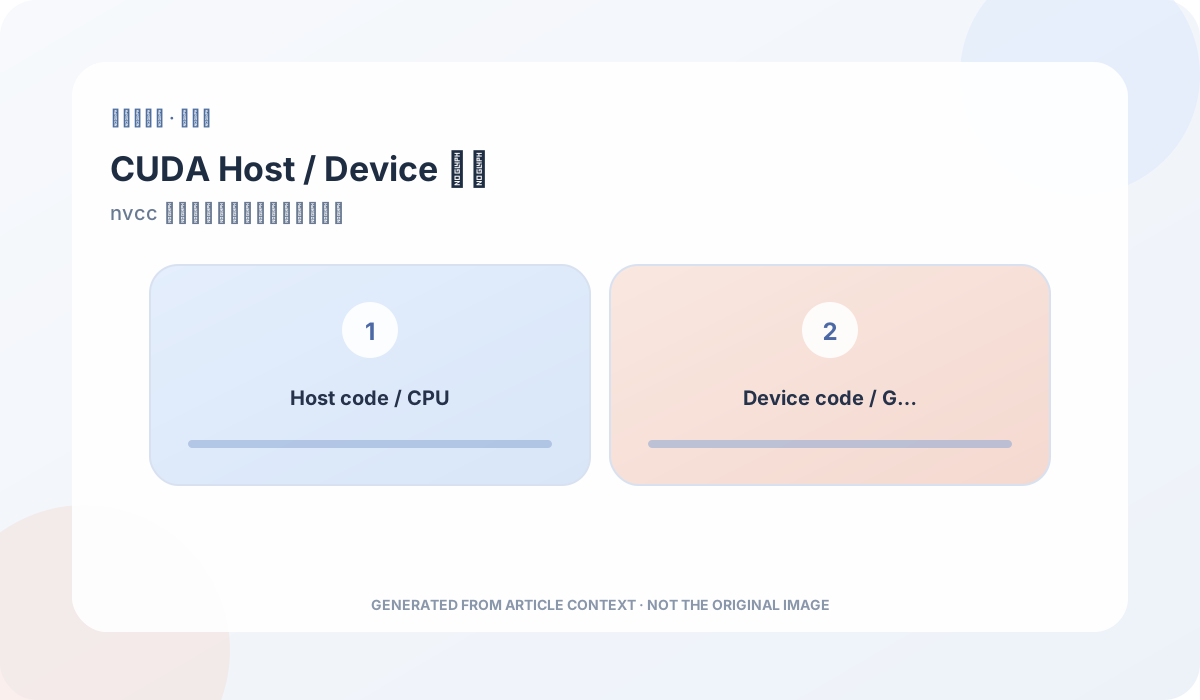
<<<,>>>,更具体地说,是add<<<numBlocks,blockSize>>>(N,x,y) .cu是 cuda C++ 文件的后缀,类似.cpp- nvcc 是 cuda C++ 的编译器,其将 source code 分成 host code 和 device code 两部分。前者通过 c++ 编译器编译,后者通过 nvidia 编译器编译。
关于 device code 和 host code,参考下图。
现在我们单线程地跑了一个 cuda kernel,接下来是如何使它并行,关键在于 <<<1,1>>> 这部分。
这行代码告诉了 cuda runtime 有多少个并行的线程要被执行。 这里有 2 个参数,不过我们可以先改变第二个,也就是一个线程 block 中线程的个数。 cuda GPU 的 kernel 使用的 block 中线程的个数应该是 32 的倍数(后面会解释 32 代表什么),所以 256 看起来很合理。
 1#include <cstdio>
 2#include <iostream>
 3#include <math.h>
 4// Kernel function to add the elements of two arrays
 5__global__
 6void add(int n, float *x, float *y)
 7{
 8    int index = blockIdx.x * blockDim.x + threadIdx.x;
 9    int stride = blockDim.x * gridDim.x;
10    printf(" %d %d",index,stride);
11    for ( int i = index ; i < n ; i += stride)
12        y[i] = x[i] + y[i];
13}
14
15int main(void)
16{
17    int N = 1<<20;
18    float *x, *y;
19
20    // Allocate Unified Memory – accessible from CPU or GPU
21    cudaMallocManaged(&x, N*sizeof(float));
22    cudaMallocManaged(&y, N*sizeof(float));
23
24    // initialize x and y arrays on the host
25    for (int i = 0; i < N; i++) {
26        x[i] = 1.0f;
27        y[i] = 2.0f;
28    }
29
30
31    int blockSize = 256;
32    int numBlocks = (N + blockSize - 1) / blockSize;
33    add<<<numBlocks, blockSize>>>(N, x, y);
34    // Wait for GPU to finish before accessing on host
35    cudaDeviceSynchronize();
36
37    // Check for errors (all values should be 3.0f)
38    float maxError = 0.0f;
39    for (int i = 0; i < N; i++)
40        maxError = fmax(maxError, fabs(y[i]-3.0f));
41//    std::cout << "Max error: " << maxError << std::endl;
42
43    // Free memory
44    cudaFree(x);
45    cudaFree(y);
46
47    return 0;
48}
不过如果只是把 <<<1,1>>> 改成 <<<1,256>>>,那实际上是每个线程都算了整个 array 的相加,而没有把计算任务分给多个并行的线程。
为了解决这个问题,我们需要修改 kernel 的代码。
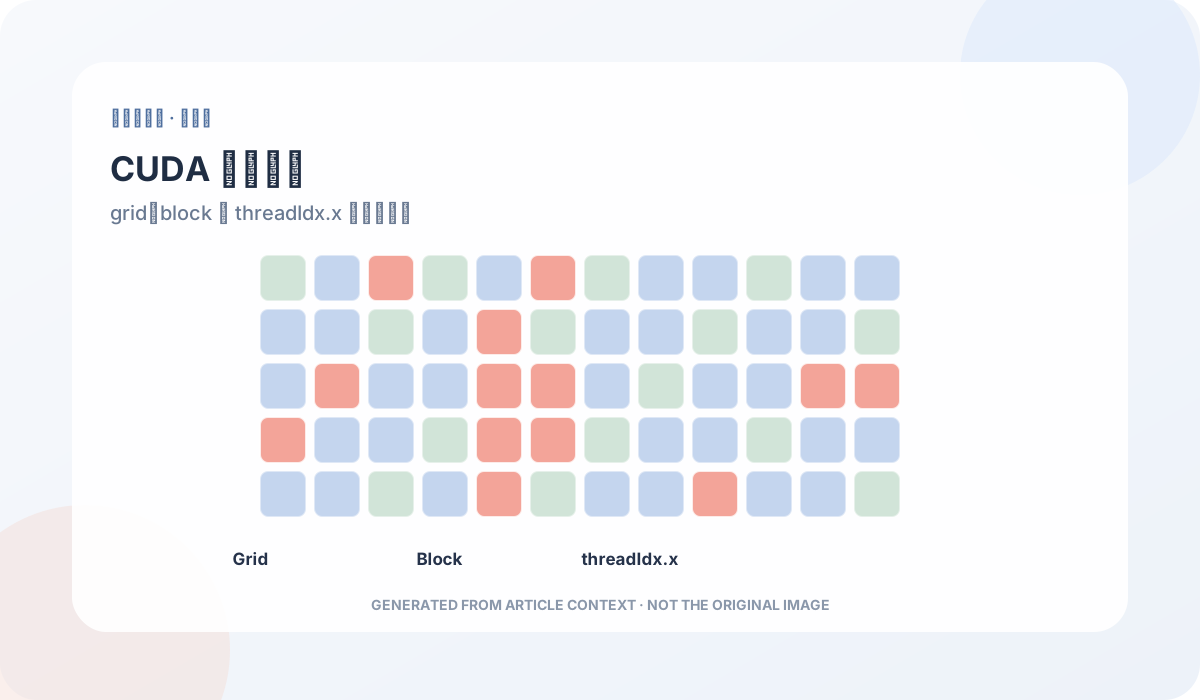
cuda C++ 提供了关键字,允许 kernel 得知当前正在执行的是哪个 thread:
threadIdx.x表示当前运行的 thread 是 block 中的哪一个blockDim.x表示 block 中的线程个数
关于 threadIdx.x 等下标问题,参考下图。
我们需要观察到使用 cuda 的方法之后时间的变化。
可以使用 nvprof 命令
 1➜ learn>nvprof ./add_cuda
 2==9312== NVPROF is profiling process 9312, command: ./add_cuda
 3Max error: 0
 4==9312== Profiling application: ./add_cuda
 5==9312== Profiling result:
 6Time(%)      Time     Calls       Avg       Min       Max  Name
 7100.00%  167.48ms         1  167.48ms  167.48ms  167.48ms  add(int, float*, float*)
 8
 9
10
11==9382== Profiling application: ./add_block
12==9382== Profiling result:
13Time(%)      Time     Calls       Avg       Min       Max  Name
14100.00%  3.5144ms         1  3.5144ms  3.5144ms  3.5144ms  add(int, float*, float*)
15
16
17
18
19==9447== Profiling application: ./add_grid
20==9447== Profiling result:
21Time(%)      Time     Calls       Avg       Min       Max  Name
22100.00%  1.8084ms         1  1.8084ms  1.8084ms  1.8084ms  add(int, float*, float*)
可以看出时间的变化,从 167.48ms 到 3.5144ms,再到 1.8084ms。
我们注意到,对线程的管理实际上是三维的:grid、block、thread。
线程与内存的层级关系大致如下:
为什么要这样设计?
一个这样做的目的是,在一个 block 中,thread 可以通过 shared memory 来共享数据。
通过在声明的变量前面添加 __shared__ 来表示,这个变量是声明在 shared memory 部分了。
shared memory 类似于缓存,容量小,但是速度快。不过这个 cache 是可以编程控制的。
在一个 block 中共享的 data,对于其他 block 是不可见的。
我们不妨考虑一个例子,有两个数组 a、b
进行如下运算:

为了加快运行速度,我们还是考虑多线程的办法。
让每一个线程处理一个输出。
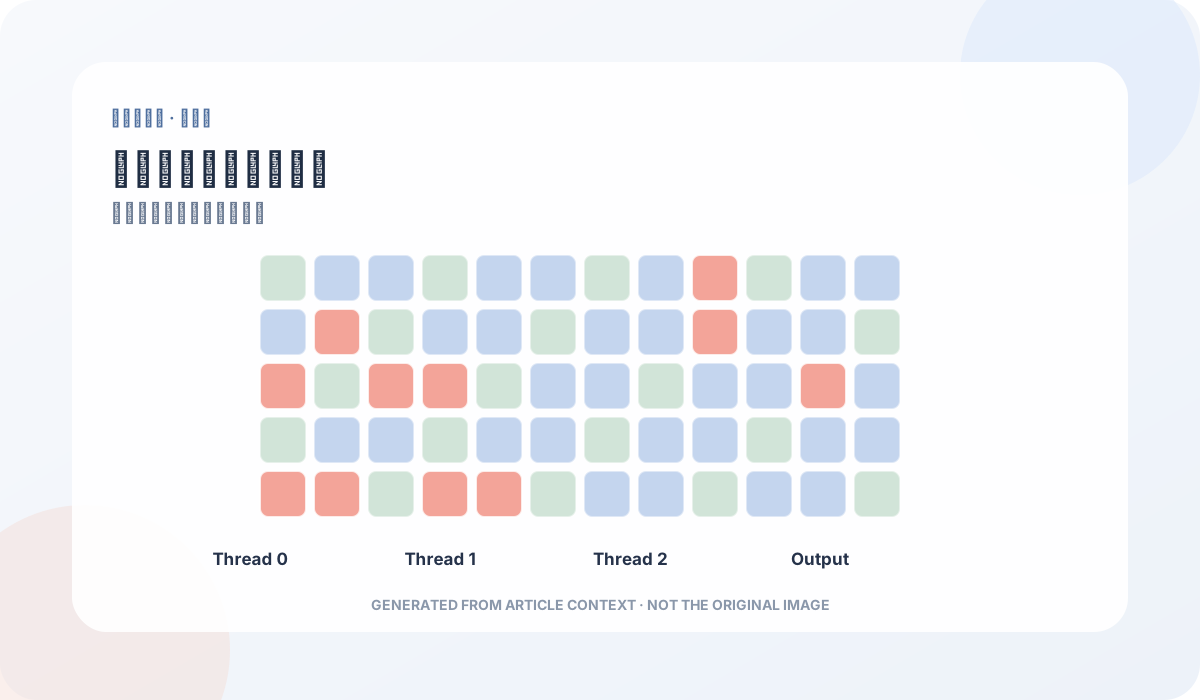
然而我们发现,in 中除了边界元素,每一个元素都被读了 7 次。
这显然是没有必要的。
问题的关键在于,不同的线程之间不知道某个元素已经被读入了。
更进一步,不同线程之间可以共享数据吗?
答案是可以的,也就是上面提到的 shared memory。
然而这样就可以了吗..
由于线程的访问顺序是不固定的(?
会发生如下的问题:
解决办法很无脑…因为 cuda 并没有想象中那么底层。
就是使用 __syncthreads() 来同步一个 block 中的所有线程。
完整代码如下:
详细代码
 1#include <iostream>
 2#include <cstdio>
 3#include <cmath>
 4#include <ctime>
 5
 6const int R=3;
 7const int N=1<<20;
 8const int BLOCK_SIZE=256;
 9__global__
10void solve( int *in,int *out)
11{
12    __shared__ int tmp[BLOCK_SIZE + 2*R];
13    int gindex = threadIdx.x + blockIdx.x * blockDim.x;
14    int lindex = threadIdx.x + R;
15//     printf ("%d %d\n",gindex,lindex-R);
16//    printf("wang\n");
17    //if (lindex < BLOCK_SIZE+2*R && gindex < N)
18    tmp[lindex] = in[gindex];
19
20
21//    if 这部分有问题...貌似是访问越界..
22    if (threadIdx.x < R)
23    {
24        if (lindex>=R && gindex>=R&&lindex-R<BLOCK_SIZE+2*R&&gindex-R<N)
25            tmp[lindex-R] = in[gindex-R];
26        if (lindex + BLOCK_SIZE< BLOCK_SIZE+2*R && gindex + BLOCK_SIZE < N )
27            tmp[lindex+BLOCK_SIZE] = in[gindex + BLOCK_SIZE];
28    }
29
30  //  printf("miao\n");
31    __syncthreads();
32    int res = 0 ;
33
34    for ( int offset = -R ; offset <= R ; offset++)
35    {
36//  printf ("offset:%d\n",offset);
37//  if (lindex + offset < BLOCK_SIZE+2*R)
38        res += tmp[lindex + offset];
39    }
40
41    out[gindex] = res;
42    printf("res=%d\n",res);
43}
44
45void pr( int *A,int n)
46{
47    for ( int i = 0 ;i  <  10 ; i++) printf ("%d%c",A[i*10],i==9?'\n':' ');
48}
49
50int main(void)
51{
52    int *a,*b;
53    if (cudaSuccess != cudaMallocManaged(&a,N*sizeof(int)))
54        printf("Cuda Malloc error\n");
55
56    if (cudaSuccess != cudaMallocManaged(&b,N*sizeof(int)))
57        printf("Cuda Malloc error\n");
58    for ( int i = 0 ; i < N ; i++)
59    {
60        a[i] = 1;
61    }
62    pr(a,N);
63    pr(b,N);
64    int numBlocks = ( N + BLOCK_SIZE -1 ) / BLOCK_SIZE;
65    //solve<<<numBlocks,BLOCK_SIZE>>>(a,b);
66    solve<<<1,256>>>(a,b);
67    if (cudaSuccess !=cudaGetLastError())
68        printf("kernel error!");
69    // prt<<<numBlocks,BLOCK_SIZE>>>();
70    cudaDeviceSynchronize();
71    pr(b,N);
72
73    //printf(cudaGetLastError());
74    cudaFree(a);
75    cudaFree(b);
76
77    return 0;
78}
需要特别强调的是,cuda 代码的 debug 问题:很多错误不用特定的工具查看是不会显示的。 以及,虽然 cuda 代码是在 c++ 上添加了一些东西,但是 device code 部分用的是 nvidia 的编译器。 所以 c/cpp 中对访问非法内存不敏感的特点,在 cuda 代码中不存在(我猜是因为编译器…)。 在访问之前,一定要 check 访问地址合法性。
在访问之前,一定要 check 访问地址合法性。
在访问之前,一定要 check 访问地址合法性。